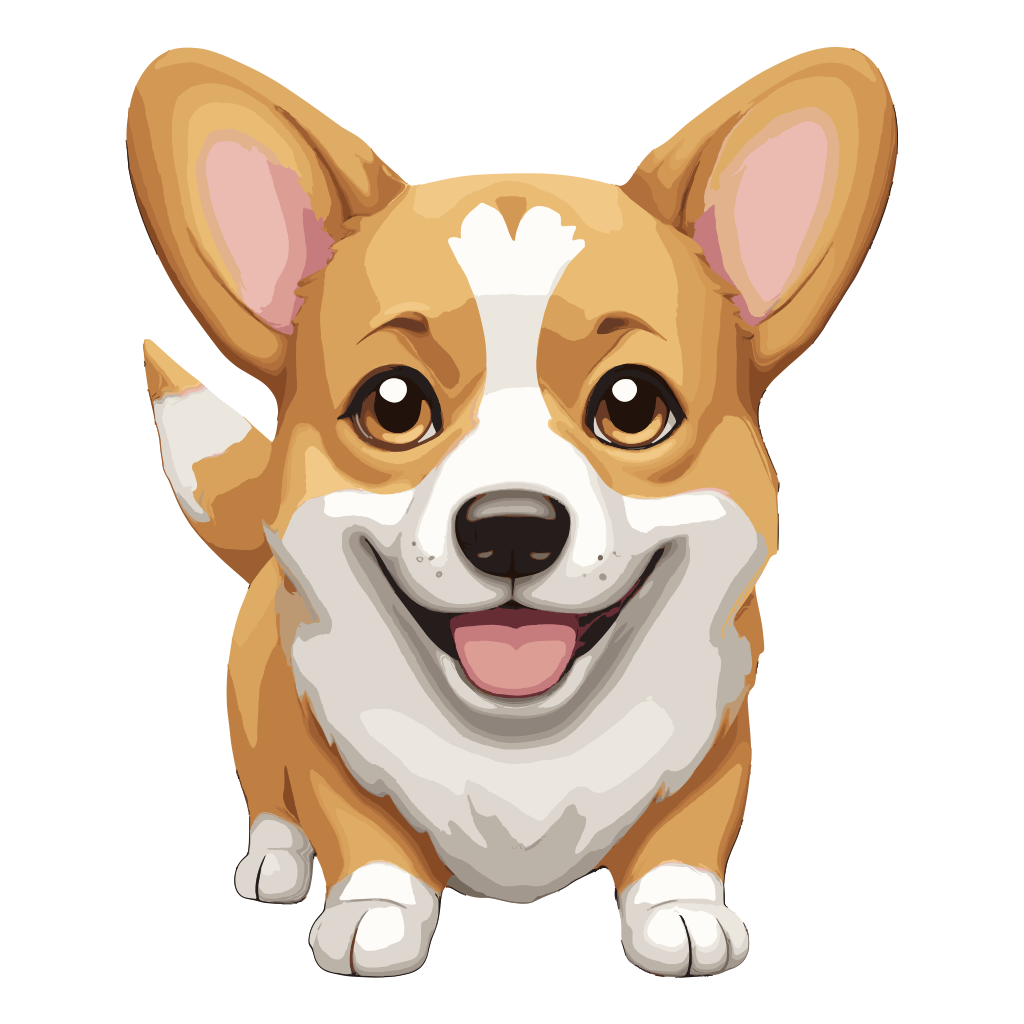
Aimoji Review 2026: AI Emoji Generator for Productivity | aigenerator.live

Emojis

Create unlimited custom emojis from text prompts in seconds. Aimoji 2026 offers high-res exports, Slack integration, and an API for developers – perfect for remote teams and creators.

Free + from $2.99
도구 방문 제출

설명

What Is Aimoji?

Aimoji is a state-of-the-art artificial intelligence tool that transforms ordinary text descriptions into custom, expressive emojis in a matter of seconds. Unlike traditional emoji keyboards that offer a limited set of static icons, Aimoji leverages advanced neural networks to generate unlimited variations based on your exact input. Whether you need a quirky reaction for a Slack channel, a branded sticker for Instagram, or a unique icon to spice up a presentation, Aimoji delivers high-quality, ready-to-use emojis that resonate with your audience. Its intuitive design makes it accessible to everyone, from casual users to professional designers, and its robust feature set ensures it fits seamlessly into modern productivity workflows.

Key Features of Aimoji

1. Text-to-Emoji Generation

At the core of Aimoji is its powerful text-to-emoji engine. Simply type a descriptive prompt like “a playful octopus wearing a top hat” or “sad cat with big eyes,” and within seconds the AI generates multiple high-quality emoji options. The model understands nuanced contexts, emotions, and stylistic cues, ensuring the output closely matches your vision. This feature alone sets Aimoji apart from conventional emoji tools, giving you infinite creative freedom without requiring any design skills.

2. Extensive Customization

Once an emoji is generated, you can fine-tune every aspect of its appearance. Aimoji allows you to adjust colors, shapes, facial expressions, and even add subtle effects like shadows or gradients. For teams or brands that need consistency, you can save custom presets and apply them across multiple emojis. This level of control ensures that your emojis align perfectly with your personal style or corporate identity, making them ideal for branded content.

3. High-Resolution and Multi-Format Export

Emojis created with Aimoji can be exported in several formats, including PNG, SVG (available on Pro plan), and animated GIF. The resolution remains crisp even when scaled up, making these emojis suitable for use on websites, mobile apps, social media graphics, and even print materials. Whether you need a small icon for a chat reaction or a large sticker for a presentation, Aimoji delivers consistent quality.

4. Seamless Collaboration and Sharing

Aimoji integrates directly with popular team communication platforms like Slack and Discord. You can share emojis instantly within channels, or build a shared library of custom emojis that your entire team can use. This feature is particularly valuable for remote teams looking to boost engagement and add a touch of personality to daily interactions. Additionally, Aimoji supports collaborative editing, allowing multiple users to work on the same emoji set in real time.

5. API for Developers

For those who want to integrate emoji generation into their own applications, Aimoji offers a well-documented REST API. Developers can automate the creation of emojis for chatbots, games, social media management tools, or any other software that could benefit from custom visual reactions. The API is designed to be simple and scalable, making it easy to add Aimoji’s functionality to existing workflows.

How Aimoji Compares to Alternatives

In the growing landscape of AI-powered emoji tools, Aimoji stands out for its balance of simplicity, customization, and integration capabilities. To help you decide which tool is right for your needs, here’s a side-by-side comparison with two other popular options: AI Emojis and AI Emoji Generator.

Tool Key Features Pricing Best For
Aimoji Text-to-emoji, deep customization, high-res exports (PNG, SVG, GIF), Slack/Discord integration, REST API, team collaboration, regular style updates. Free tier (10 generations/day); Pro from $9/mo (unlimited); Team and Enterprise plans available. Productivity, team collaboration, creative projects, developers.
AI Emojis Generate one-of-a-kind emojis from text prompts using AI—no design skills required. Emphasizes speed and simplicity. Free/Paid (details on website). Productivity, quick emoji creation, casual use.
AI Emoji Generator Turn any text description into a custom, high-quality emoji. Offers a straightforward interface with moderate customization options. Free/Paid (details on website). Productivity, casual use, light collaboration.

While AI Emojis focuses on rapid generation with minimal fuss, and AI Emoji Generator provides a solid middle ground, Aimoji goes further by offering advanced customization, enterprise-ready features like API access, and seamless integration with productivity tools. For teams that rely on platforms like Slack or Discord, Aimoji’s native sharing capabilities are a game-changer. Additionally, Aimoji’s commitment to privacy—prompts are not stored or used for training—gives it an edge for businesses concerned about data security.

Who Should Use Aimoji?

Aimoji is designed for a wide range of users and use cases:

  • Remote Teams: Enhance communication with custom reaction emojis in Slack, Microsoft Teams, or Discord. A shared emoji library fosters a fun, cohesive culture.
  • Content Creators: Generate unique stickers and icons for social media posts, YouTube thumbnails, or video overlays. The high-resolution exports ensure professional quality.
  • Marketers: Create branded emojis that reinforce campaign messaging and increase engagement on platforms like Instagram, Twitter, or email newsletters.
  • Developers: Use the API to integrate emoji generation into chatbots, games, mobile apps, or custom software. The documentation is clear and the endpoint is fast.
  • Educators: Make learning materials more engaging by adding custom visual elements to presentations, worksheets, or online courses.

Use Cases That Showcase Aimoji’s Value

Imagine a marketing team preparing a product launch. With Aimoji, they can quickly create a set of branded emojis representing key product features, then share them on social media and in internal communications. Or consider a remote development team that wants to add custom reaction emojis to their Slack channels—such as a “bug fixed” or “deployment successful” icon—to celebrate milestones. Aimoji makes this possible with just a few text prompts. For a YouTuber, generating a series of custom emoji overlays for video reactions can increase viewer engagement and brand recognition. These scenarios highlight how Aimoji turns abstract ideas into tangible, shareable visuals.

Technical Excellence and Continuous Improvement

Aimoji is regularly updated with new style packs, improved neural network models, and additional export options. The generation speed is impressive—typically 2 to 5 seconds per emoji—making it feasible even for real-time use in chat applications. The AI handles complex prompts well, though extremely detailed descriptions may occasionally yield unexpected results; in those cases, users can simply regenerate or adjust the prompt. Aimoji also supports emoji families, including skin tones and genders, which is essential for inclusive communication. On the free plan, you get 10 generations per day, which is sufficient for casual experimentation; upgrading to Pro ($9/month) unlocks unlimited generation, SVG export, and priority support. For teams, dedicated plans offer shared folders and collaborative editing.

Getting Started with Aimoji

Using Aimoji is straightforward. Visit the website, sign up (email or Google account), and you’ll be greeted with a simple text box. Type your prompt, select a style preference, and hit generate. Within seconds, you’ll see several variations. You can then customize, download, or share directly. The interface is clean, responsive, and works well on mobile browsers, although a dedicated mobile app is not yet available. For developers, API access requires an API key, which can be obtained from the dashboard after subscribing to a paid plan.

Final Thoughts

Aimoji is more than just a novelty tool; it’s a productivity powerhouse that bridges the gap between creative expression and practical communication. By offering a rich set of features—text-to-emoji generation, deep customization, high-resolution exports, team collaboration, and developer API—it outperforms many alternatives in the space. Compared to AI Emojis and AI Emoji Generator, Aimoji provides a more comprehensive solution that scales from individual use to enterprise deployment. Whether you’re looking to inject personality into your daily chats or build a branded visual language for your organization, Aimoji delivers on its promise. Give it a try and experience the future of emoji creation.

장점

  • Intuitive and fast text-to-emoji generation with high accuracy.
  • Deep customization options – colors
  • shapes
  • expressions
  • and styles.
  • High-resolution exports in PNG
  • SVG (Pro)
  • and animated GIF formats.
  • Native integrations with Slack and Discord for seamless sharing.
  • REST API for developers to integrate emoji generation into custom workflows.
  • Privacy-first design: prompts are not stored or used for training.
  • Regular style updates and new features added every 4–6 weeks.
  • Team and enterprise plans with shared libraries and collaborative editing.
  • 14-day money-back guarantee on annual subscriptions.

단점

  • Free tier limited to 10 generations per day – may be restrictive for heavy users.
  • No dedicated mobile app yet; web version works on mobile browsers.
  • Complex prompts can occasionally produce unexpected or off-target results.
  • SVG vector export requires a Pro subscription.
  • No offline mode – requires internet connection to generate emojis.

자주 묻는 질문

Yes, Aimoji offers a free tier with 10 generations per day. Pro plans start at $9 per month for unlimited usage, SVG export, and priority features.

Absolutely. All emojis generated with Aimoji are royalty-free and can be used commercially without attribution.

Currently, Aimoji is a web-based application. It works well on mobile browsers, but there is no dedicated iOS or Android app yet.

Aimoji offers broader customization, higher export quality, and stronger team collaboration features, while AI Emojis focuses on simplicity and quick generation.

Yes, Aimoji provides a REST API. Documentation and API keys are available for users on paid plans.

You can download emojis as PNG, animated GIF, and SVG (SVG is exclusive to Pro and higher plans).

For best results, keep prompts under 100 characters. Longer descriptions may still work but might produce less accurate outputs.

Generation typically takes between 2 and 5 seconds, depending on server load and prompt complexity.

Yes, you can specify attributes such as 'woman with red hair' or 'man doctor dark skin tone' to generate inclusive emojis.

Yes, team and enterprise plans allow you to create shared folders and collaborate on emoji sets in real time.

You can regenerate the prompt or fine-tune the description at no extra cost. There is no limit on regeneration attempts.

Aimoji uses encryption and does not store your prompts after generation. Your data is not used for model training.

New style packs and model improvements are released every 4 to 6 weeks on average.

Yes, enterprise customers can request bespoke style tuning and custom model fine-tuning. Contact sales for details.

Yes, there is a 14-day money-back guarantee for annual subscriptions. Monthly subscriptions are not refundable after the first 7 days.

50+ AI 생성기

챗봇이미지 생성비디오 생성텍스트 음성 변환기사 생성음악 생성코드 생성로고 생성프레젠테이션 제작아바타 생성음성 복제번역 AI요약기PDF 채팅엑셀 수식SQL 생성웹사이트 빌더이메일 작성SNS 게시SEO 최적화이력서 작성자기소개서학습 보조수학 풀이과학 보조법률 문서계약서 생성아이디어 생성사업 계획마케팅 문구광고 생성랜딩 페이지퀴즈 메이커플래시카드 생성색칠 공부문신 디자인인테리어 디자인건축3D 모델애니메이션 도구비디오 편집기오디오 향상팟캐스트 제작보이스오버더빙립싱크피트니스 코치명상 가이드레시피 생성여행 플래너

AI 도구 검색

필터