Deskripsi
What is AI Concept Art?
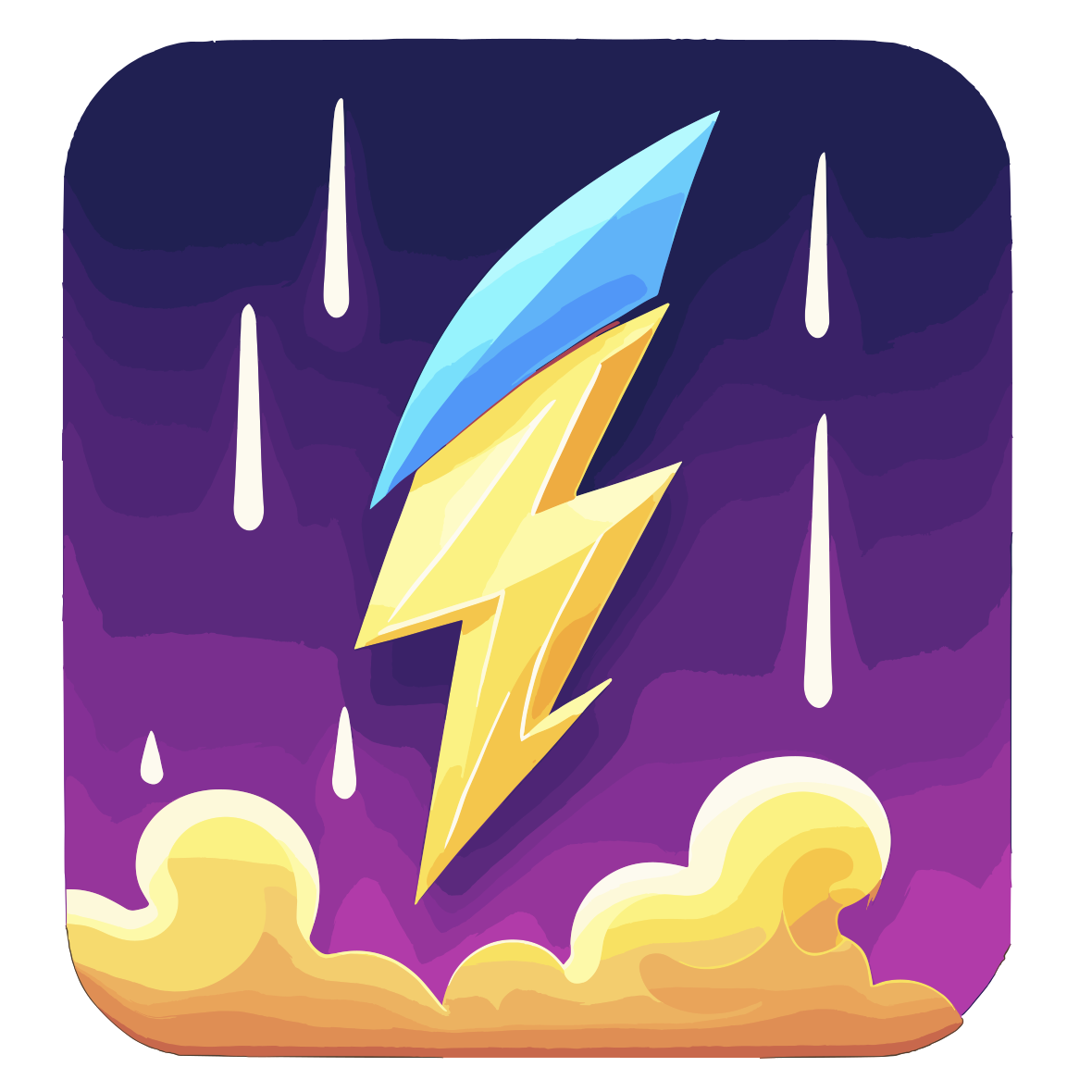
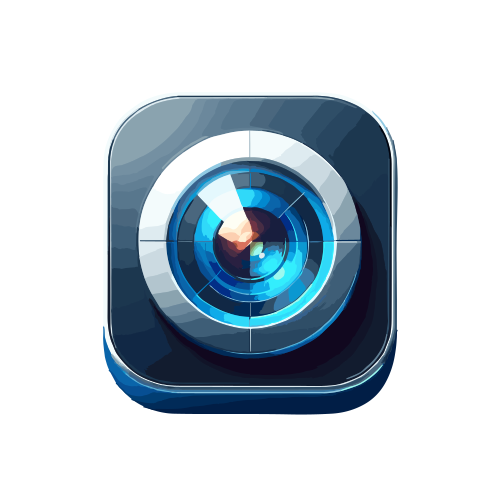
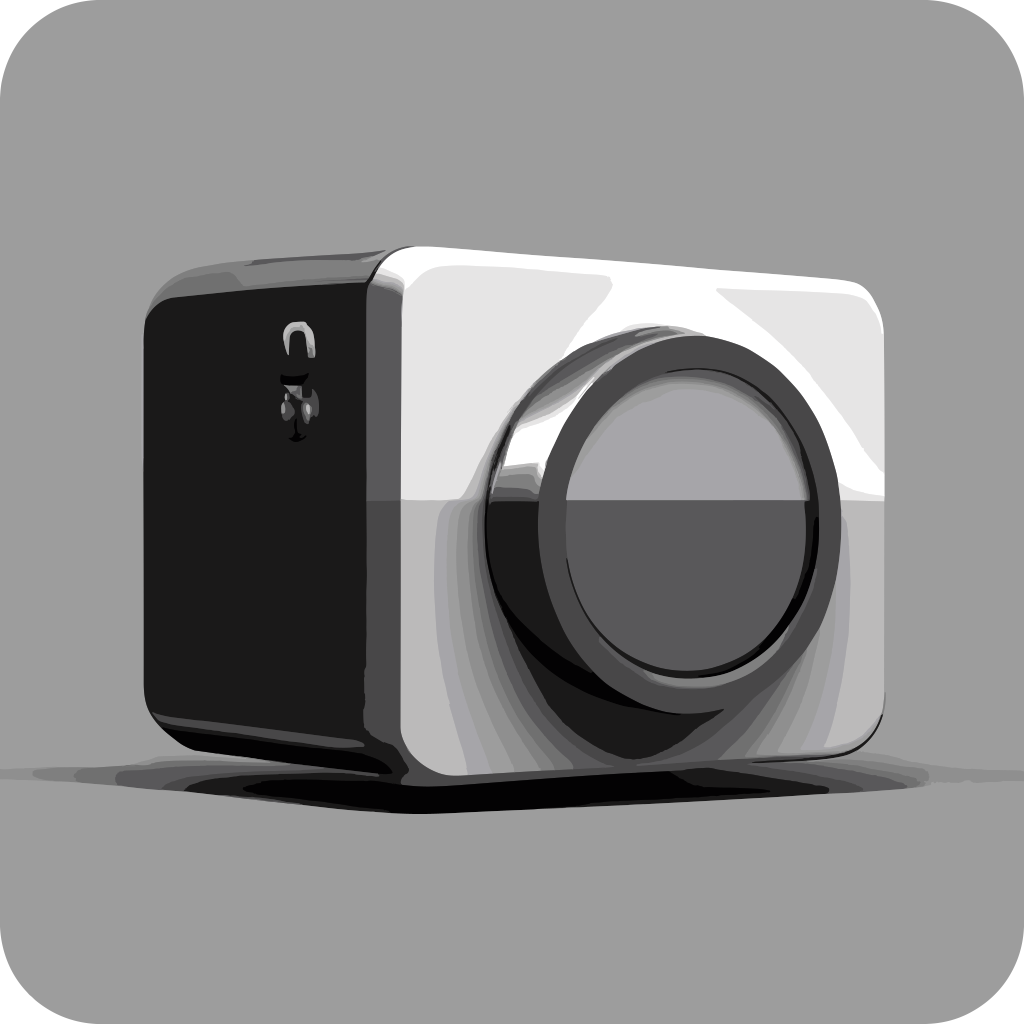
AI Concept Art is a purpose-built artificial intelligence tool that specializes in generating high-quality, ready-to-use app icons. Unlike general-purpose image generators such as DALL-E 3 or Midjourney, this platform is fine-tuned for the unique demands of app store graphics. Every output is automatically cropped to a square aspect ratio, supports transparent backgrounds natively, and follows modern design aesthetics. Whether you need a single icon for a new app or a full set for different states (active, inactive, notification), AI Concept Art delivers in seconds with minimal effort.
Key Features
App Icon Focus
Every generated image is optimized for app store requirements: proper padding, seamless transparency, and a perfect 1:1 ratio. No manual cropping or resizing needed—just export and upload.
Prompt-to-Icon Engine
Describe your app vision in plain English (e.g., "a minimalist orange fitness tracker icon with a heart rate line") and receive multiple variations. The AI understands context and produces coherent, brandable results.
Style Presets
Choose from ten curated styles including flat, 3D, gradient, line art, isometric, and more. This helps maintain visual cohesion across your app's ecosystem.
Batch Generation
Generate entire icon sets in one go—perfect for apps that need different icons for various states (normal, active, notification, placeholder). This feature saves hours of manual work.
Background Removal
All output images come with transparent backgrounds by default, making integration into design tools like Canva or Figma seamless. No post-processing required.
Resolution Options
Export in standard App Store resolution (1024×1024 px), 512×512 px, or custom dimensions to fit any platform.
How Does It Compare?
The table below compares AI Concept Art with other popular AI image generators. While tools like Stable Diffusion and Artbreeder can create icons, they require heavy manual adjustment. AI Concept Art is the only one built exclusively for app icons.
| Feature | AI Concept Art | DALL-E 3 | Midjourney | Stable Diffusion | Artbreeder |
|---|---|---|---|---|---|
| Purpose-built for app icons | ✅ Yes | ❌ General | ❌ General | ❌ General | ❌ General |
| Icon-specific aspect ratio | Automatic | Manual crop | Manual crop | Manual crop | Manual crop |
| Transparent background | Native | Requires editing | Requires editing | Requires editing | No |
| Style presets for icons | 10+ presets | Prompt‑dependent | Prompt‑dependent | Prompt‑dependent | Prompt‑dependent |
| Batch icon generation | Yes | No | No | Yes (with extra tools) | No |
| Learning curve | Low | Medium | Medium | High | Low |
| Pricing (monthly) | $9–$29 | $20 (via ChatGPT) | $10–$60 | Free tiers available | $8–$15 |
Best Use Cases
AI Concept Art excels in several scenarios where speed and specialization matter:
- Early-stage app prototyping – quickly visualize concepts with realistic icons.
- Rebranding existing apps – generate multiple icon alternatives to test with users.
- Social media profile icons – maintain brand consistency across platforms with square, polished graphics.
- Game app icons – create variations for different characters or levels.
- Presentation mockups – add professional icons to pitch decks without hiring a designer.
Pricing and Availability
AI Concept Art operates on a freemium model. The free tier grants three generations per day with watermarks. Paid plans start at $9/month for 100 generations and full-resolution exports without watermarks. The Pro plan ($29/month) unlocks batch generation, priority support, and commercial licensing. The tool is fully web-based and works on any modern browser. A dedicated mobile app is expected later in 2026.
Who Should Use AI Concept Art?
This tool is ideal for solo developers, startups, and small design studios that need professional app icons without the time and cost of hiring a graphic artist. It's also a powerful source of inspiration for experienced designers who want to iterate quickly. If you already rely on Figma or Canva for UI design, you can generate concept art here and import transparent PNGs directly into your workflow—no export hassles.
Limitations to Consider
While highly effective for its niche, AI Concept Art has a few drawbacks. The style library is curated, so extremely niche genres (like watercolor or hyper‑realistic textures) may not render well. The tool requires a stable internet connection, and the free tier is quite restrictive. Generating icons with embedded text or precise typography often fails; it's better to add text in a vector editor afterward. Additionally, the tool is not designed for large-scale graphic design—it's a focused icon generator.
Final Verdict
AI Concept Art delivers exactly what it promises: a fast, reliable way to create app icons that meet store requirements. It doesn't aim to compete with broad platforms like Midjourney or DALL-E 3 for general imagery, but it outperforms them all in its specific domain. For the price—especially the Pro plan—it's a smart investment for anyone releasing multiple apps or frequent updates. Try the free tier, and you'll likely be convinced within your first few prompts.
Kelebihan
- Automatically generates square
- store-ready icons with proper padding.
- Native transparent background output—no manual removal needed.
- Batch generation saves hours for apps needing multiple icon states.
- Curated style presets ensure brand cohesion without trial and error.
- Low learning curve; works with simple text prompts.
- Freemium model lets you test before committing.
- Pro plan includes commercial licensing for released apps.
- Seamless integration with Figma and Canva workflows.
- Regular updates with new style presets expected in 2026.
Kekurangan
- Limited to app icon styles; not for general image generation.
- Free tier only 3 generations per day with watermarks.
- Cannot embed readable text or complex typography reliably.